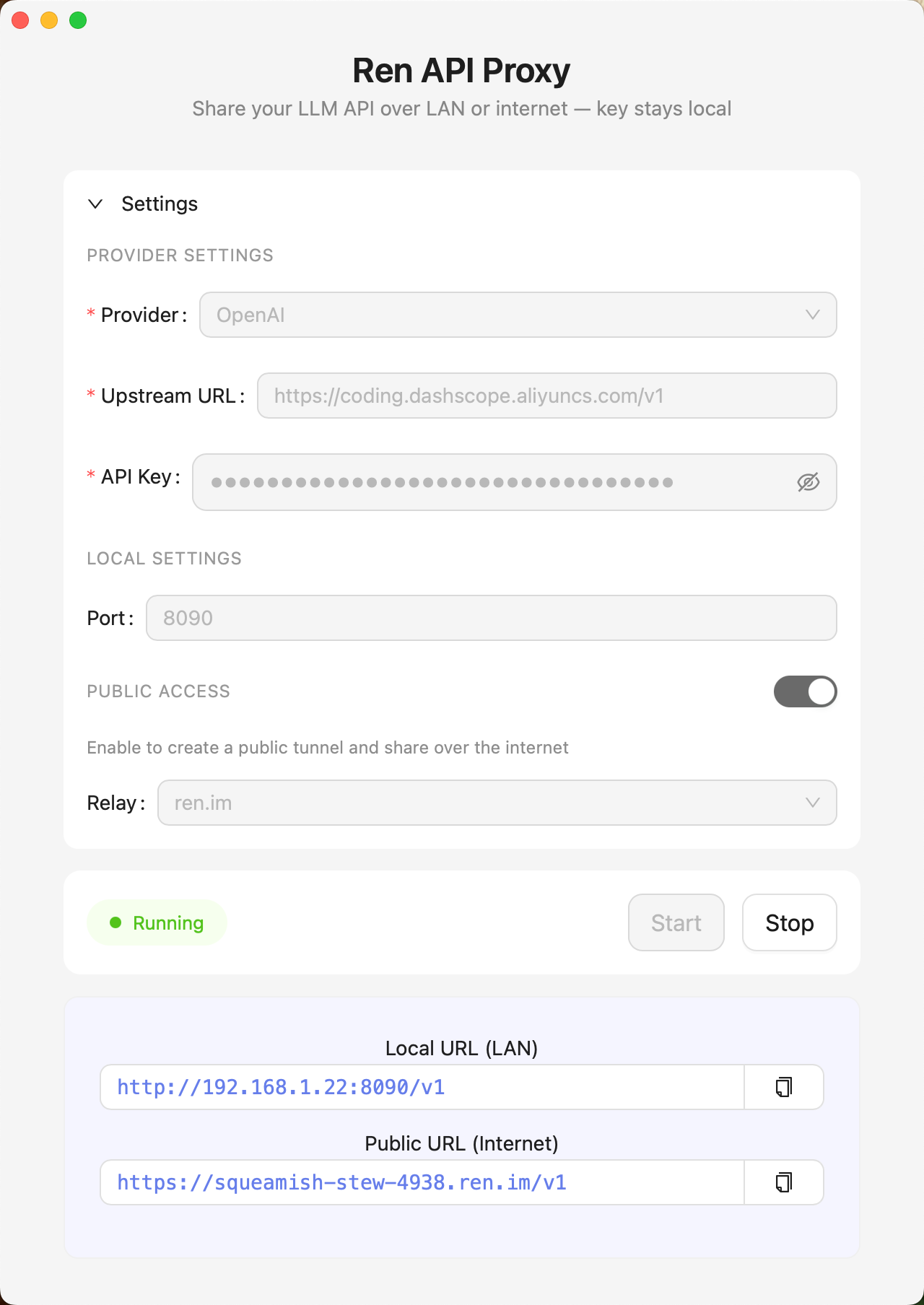
Features
Everything you need to share AI access securely — nothing you don't.
Your keys stay on your device
API keys are encrypted locally and never leave your machine. The proxy only forwards requests — your credentials remain private.
Works with any OpenAI-compatible client
Just point your base_url to Ren and it works — whether you're using the OpenAI Python SDK, curl, or any other compatible tool.
Share over LAN or the Internet
Share your API quota with anyone on your local network, or enable Public Access to create a secure tunnel — no static IP needed.
One-click setup
Download, enter your API key, select your provider, and click Start. No configuration files, no terminal commands needed.
How it works
Download & install
Grab the latest release for macOS, Windows, or Linux from GitHub.
Enter your API key
Paste your OpenAI, Anthropic, or Ollama API key. It stays encrypted on your device.
Start the service
Click "Start Service" and Ren spins up a local proxy on your machine.
Share the URL
Give others the displayed URL. They connect through your proxy without ever seeing your key.
Ren AI Proxy Use Case
Shareing LLM API with friends
Prevent the leakage of API keys
For developers
Point any OpenAI-compatible client to your Ren proxy. The API key can be anything — it won't be used.
from openai import AsyncOpenAI

client = AsyncOpenAI(
    base_url="http://192.168.1.x:8090/v1",
    api_key="anything"
)